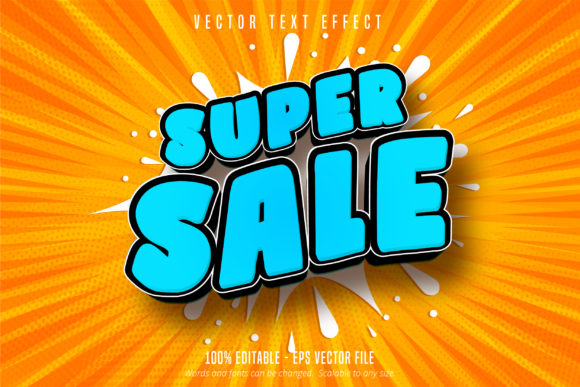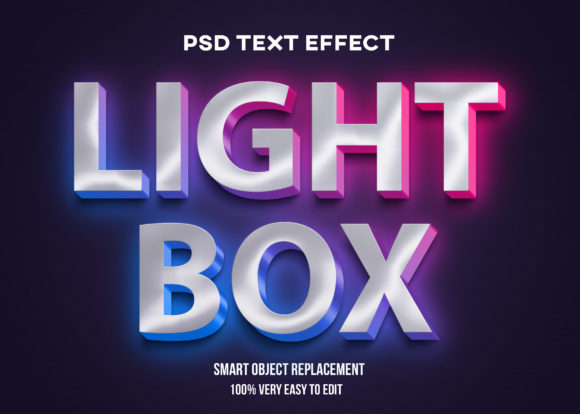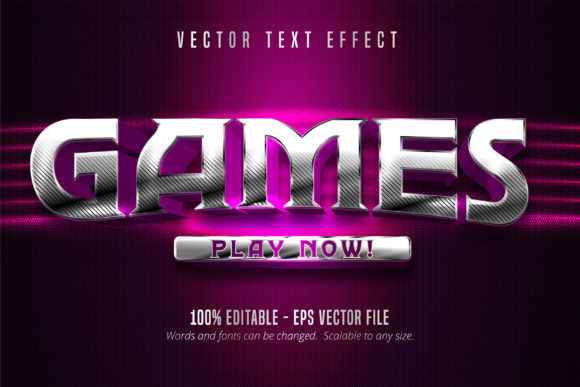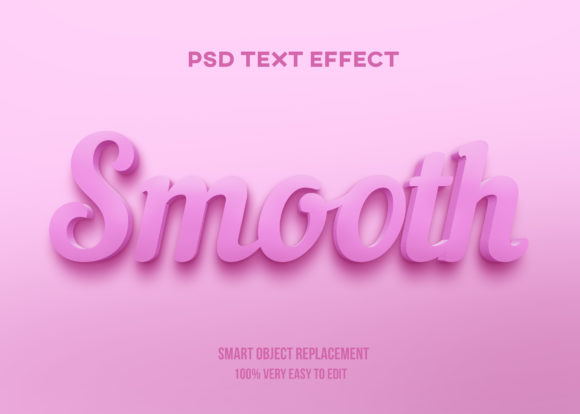
Candy Text Style: A Sweet Solution for Adobe Illustrator Users
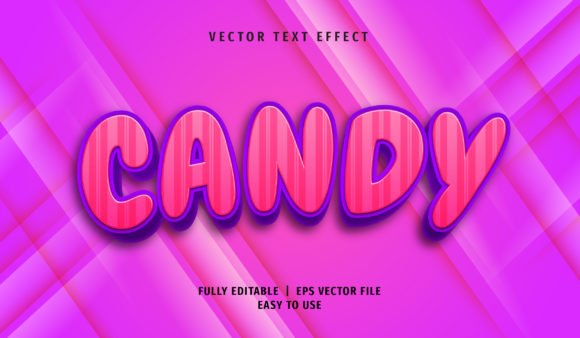
The Candy Text Style is a visually appealing text effect that mimics the look of candy wrappers, confections, or playful packaging. It's particularly popular among graphic designers and illustrators who want to add a whimsical or nostalgic feel to their projects. This style is especially effective in branding, marketing materials, and children’s content due to its vibrant colors and eye-catching design.
Designed specifically for use in Adobe Illustrator, the Candy Text Style comes with an AI CS6 and EPS CS6 file format, making it compatible with a wide range of design software. The file also includes a JPG image preview for quick reference, while the full editable nature of the file allows users to make changes without any restrictions. With 100 scalable options and well-organized layers, this text effect offers both flexibility and ease of use.
What Makes Candy Text Style Unique?
The Candy Text Style stands out because of its ability to emulate the texture and appearance of real-life candy elements. Unlike more generic text effects, this style incorporates subtle gradients, glossy finishes, and even simulated imperfections like bubbles or cracks—features that give it a tactile, almost edible quality. These characteristics make it ideal for creating designs that are not only visually engaging but also rich in detail.
One of the most notable features of this text effect is how easily it can be customized within Adobe Illustrator. Users can access the graphic style feature directly from the software, allowing them to apply the effect with just a few clicks. Additionally, even if the font used in the effect hasn't been installed on the user's system, they can still view the name of the font in the “Character” panel, which helps in identifying and sourcing the right typeface for future use.
Comparing Candy Text Style with Other Text Effects
While there are many text effects available in Adobe Illustrator, each has its own strengths and limitations. For instance, glass text effects often focus on transparency and reflection, which may not be as suitable for a playful or colorful theme. Similarly, metallic text effects emphasize shine and durability, which can clash with the soft, sugary aesthetic of the Candy Text Style.
In comparison, the Candy Text Style excels in scenarios where visual warmth and approachability are key. It is less suited for formal or corporate designs, where a more professional look might be required. However, for creative projects such as packaging, social media graphics, or promotional materials, the Candy Text Style offers a unique advantage over other effects by adding a sense of fun and familiarity.
Another important consideration when comparing text effects is scalability. While some styles may look great at a certain size, they can lose their clarity or detail when scaled up or down. The Candy Text Style, however, is designed to remain sharp and clear across various sizes, ensuring that the design remains consistent whether it's used in print or digital formats.
Best-Fit Situations for Candy Text Style
The Candy Text Style is best suited for projects that require a playful, vibrant, and colorful visual tone. Some common applications include:
- Packaging Design: Ideal for candy brands, snack products, or toys that target children or young adults.
- Social Media Graphics: Perfect for posts that aim to capture attention quickly, such as promotions, giveaways, or themed content.
- Children's Books and Educational Materials: Helps create an engaging and inviting atmosphere for young readers.
- Event Invitations and Promotional Materials: Adds a fun twist to invitations, flyers, or posters for events like parties, fairs, or festivals.
However, it's worth noting that the Candy Text Style may not be the best choice for all design needs. If a project requires a more serious or minimalist approach, alternative text effects that offer a cleaner, more subdued look would be more appropriate.
Limitations and Considerations
While the Candy Text Style is highly versatile, there are a few limitations to keep in mind. First, the effect relies heavily on color and texture, so it may not translate well to black-and-white or monochrome designs. Second, the complexity of the effect means that it could be overwhelming if used excessively or inappropriately. As with any design element, balance is key to ensuring that the text effect enhances rather than distracts from the overall message.
Additionally, although the file format is fully editable, users should have a basic understanding of Adobe Illustrator to make the most of the customizable features. Those unfamiliar with the software may need to invest some time in learning how to navigate the graphic style panel or adjust layer settings effectively.
When to Choose Candy Text Style Over Alternatives
Choosing the right text effect depends largely on the project's goals and the intended audience. The Candy Text Style is a strong contender when the objective is to create a visually engaging, colorful, and playful design. It is particularly useful when working with themes related to food, entertainment, or nostalgia.
If the project involves a brand that already has a defined visual identity, it's important to ensure that the Candy Text Style aligns with those guidelines. In some cases, using this effect might conflict with existing branding elements, so it's advisable to review the brand's style guide before making a decision.
For users looking for something different from the standard text effects, the Candy Text Style offers a refreshing alternative that can bring a unique personality to their work. However, for those who prefer simplicity or a more modern aesthetic, other text effects such as flat design or minimalist typography might be more suitable.
In conclusion, the Candy Text Style is a valuable tool for designers who want to add a touch of sweetness and creativity to their projects. Its compatibility with Adobe Illustrator, ease of customization, and wide range of applications make it a practical choice for many design scenarios. However, like any design element, it should be used thoughtfully and in alignment with the overall vision of the project.